1. Blog
  2. Article

Alexia Emmanoulopoulou
on 27 March 2017


This short video offers step-by-step instructions on how to install MAAS (Metal as a Service) to your machine. Before you start you’ll need:

  • One small server for MAAS and at least one server which can be managed with a BMC.
  • It is recommended to have the MAAS server provide DHCP and DNS on a network the managed machines are connected to.


Metal as a Service (MAAS) gives you automated server provisioning and easy network setup for your physical servers for amazing data centre operational efficiency — on premise, open source and supported.

More tutorial videos coming soon, stay tuned.

Useful resources

If you need help with the MAAS installation or want commercial support talk to our experts.

Related posts


David Beamonte
9 July 2026

Managing Ubuntu on bare metal at scale

MAAS Ubuntu tech blog

Modern infrastructure teams are expected to deliver cloud-like speed, consistency, and reliability, even when their workloads run on physical servers. Bare metal remains essential for many environments: private clouds, Kubernetes clusters, AI infrastructure, edge sites, regulated platforms, and large Ubuntu estates. But operating physical ...


David Beamonte
11 March 2026

The bare metal problem in AI Factories

MAAS Ubuntu tech blog

As AI platforms grow into large-scale “AI Factories,” the real bottleneck shifts from model design to operational complexity. With expensive GPU accelerators, hardware failures and inconsistent configurations lead directly to lost throughput and reduced return on investment. While Kubernetes orchestrates workloads, it cannot fix broken ph ...


David Beamonte
19 December 2025

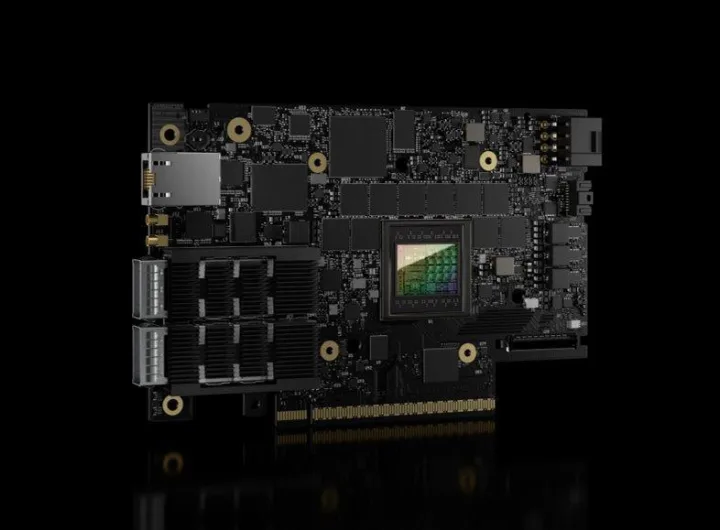
A better way to provision NVIDIA BlueField DPUs at scale with MAAS

Cloud and server Ubuntu tech blog

The recent release of MAAS 3.7 introduces a significant new capability: the ability to provision NVIDIA BlueField Data Processing Units (DPUs) directly through their Baseboard Management Controller (BMC), ...